
EyeJack Creator
Create and Share
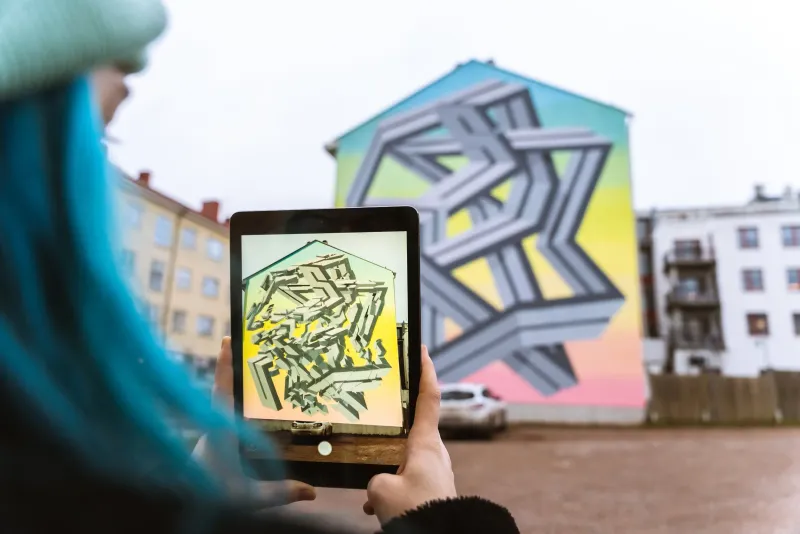
Augmented Reality Art
EyeJack Creator helps you bring art to life with animation and sound in 3 easy steps.
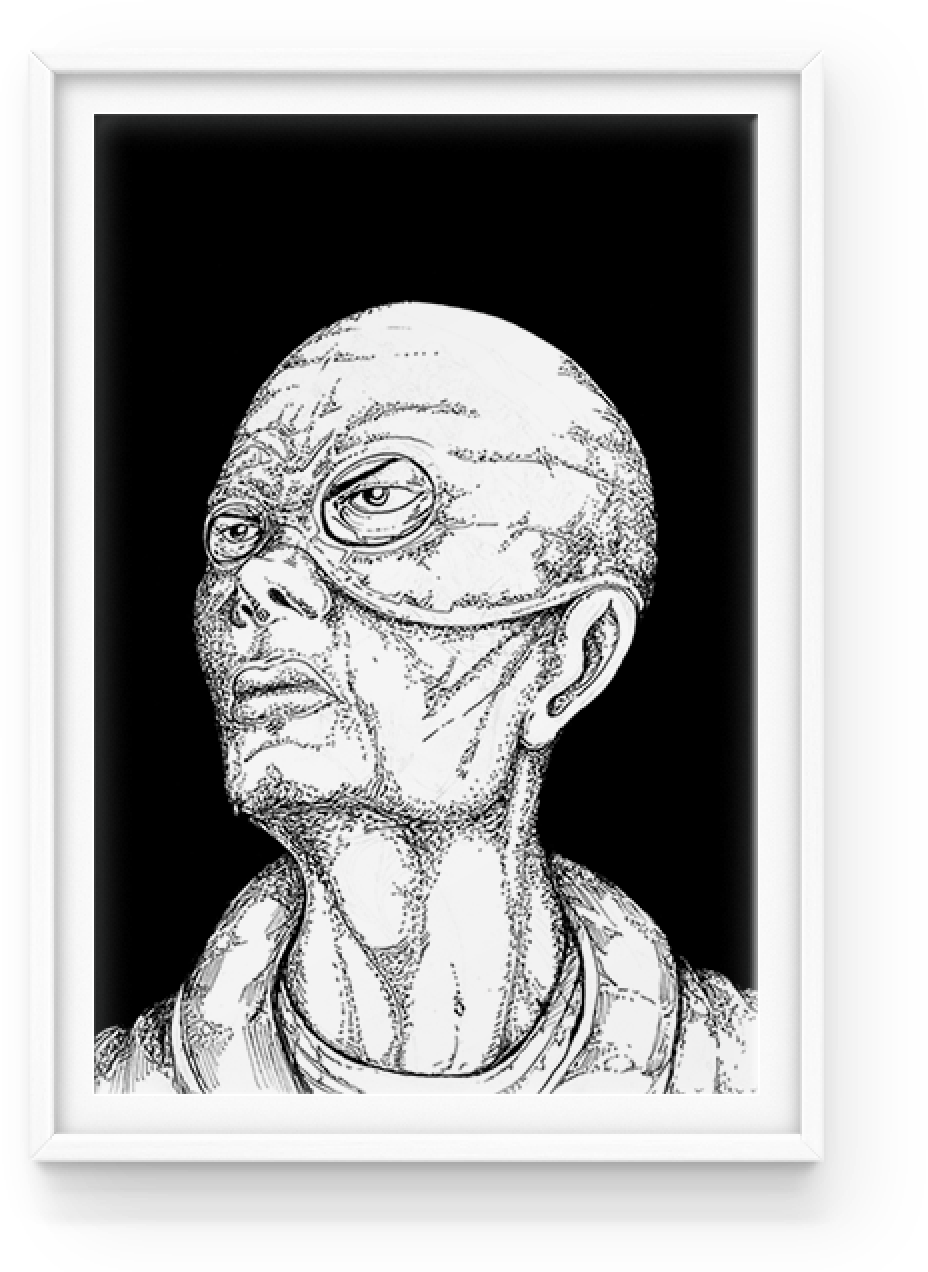
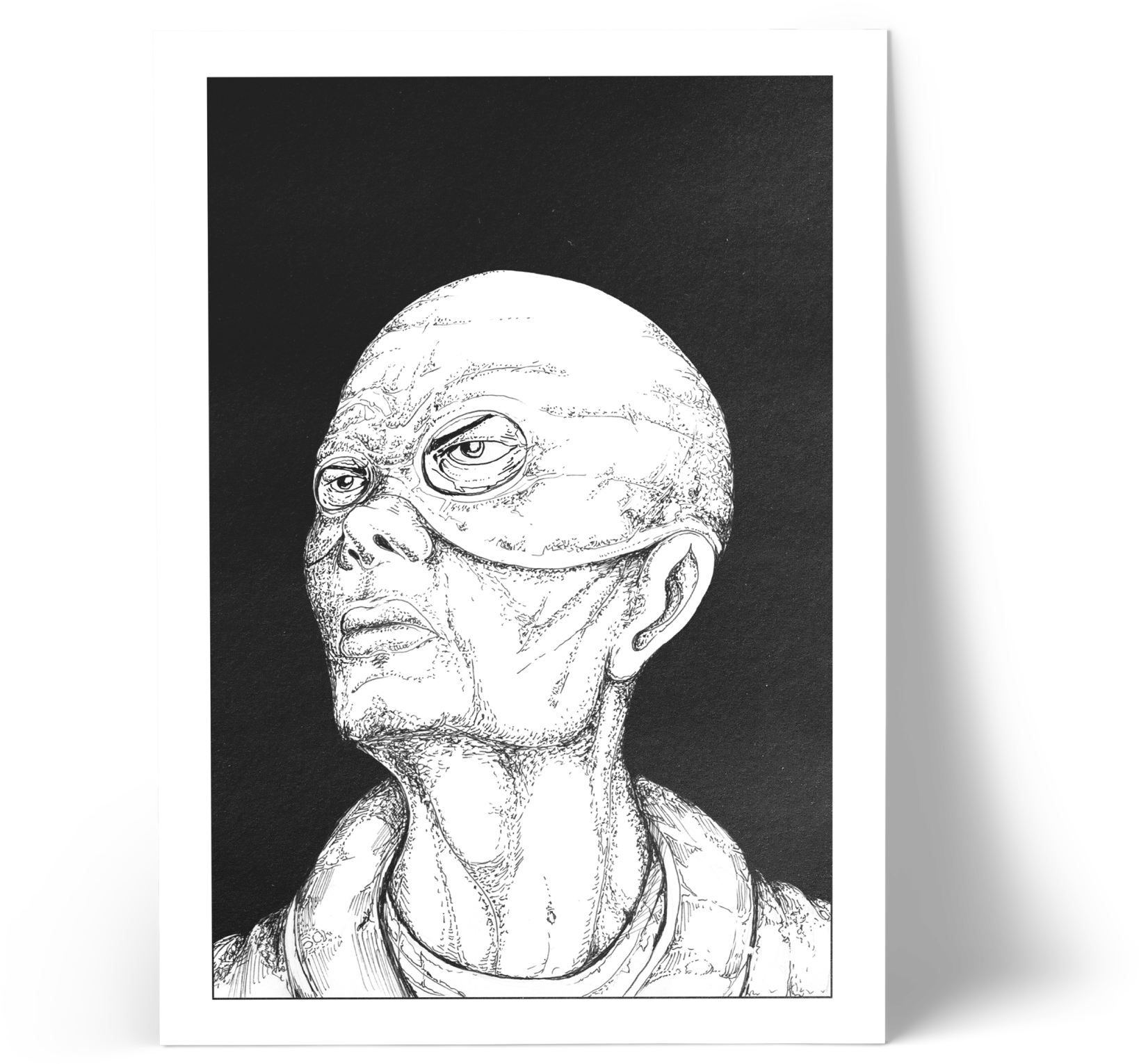
Add your artwork
This is the image that will trigger your animation. Simply upload your artwork as either a JPG or PNG.
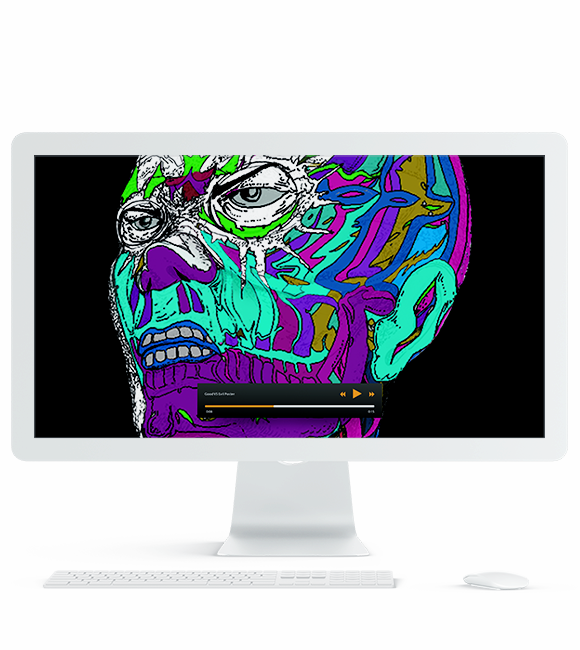
Add your animation
Choose a video file, GIF or PNG sequence that you want to play over your artwork.
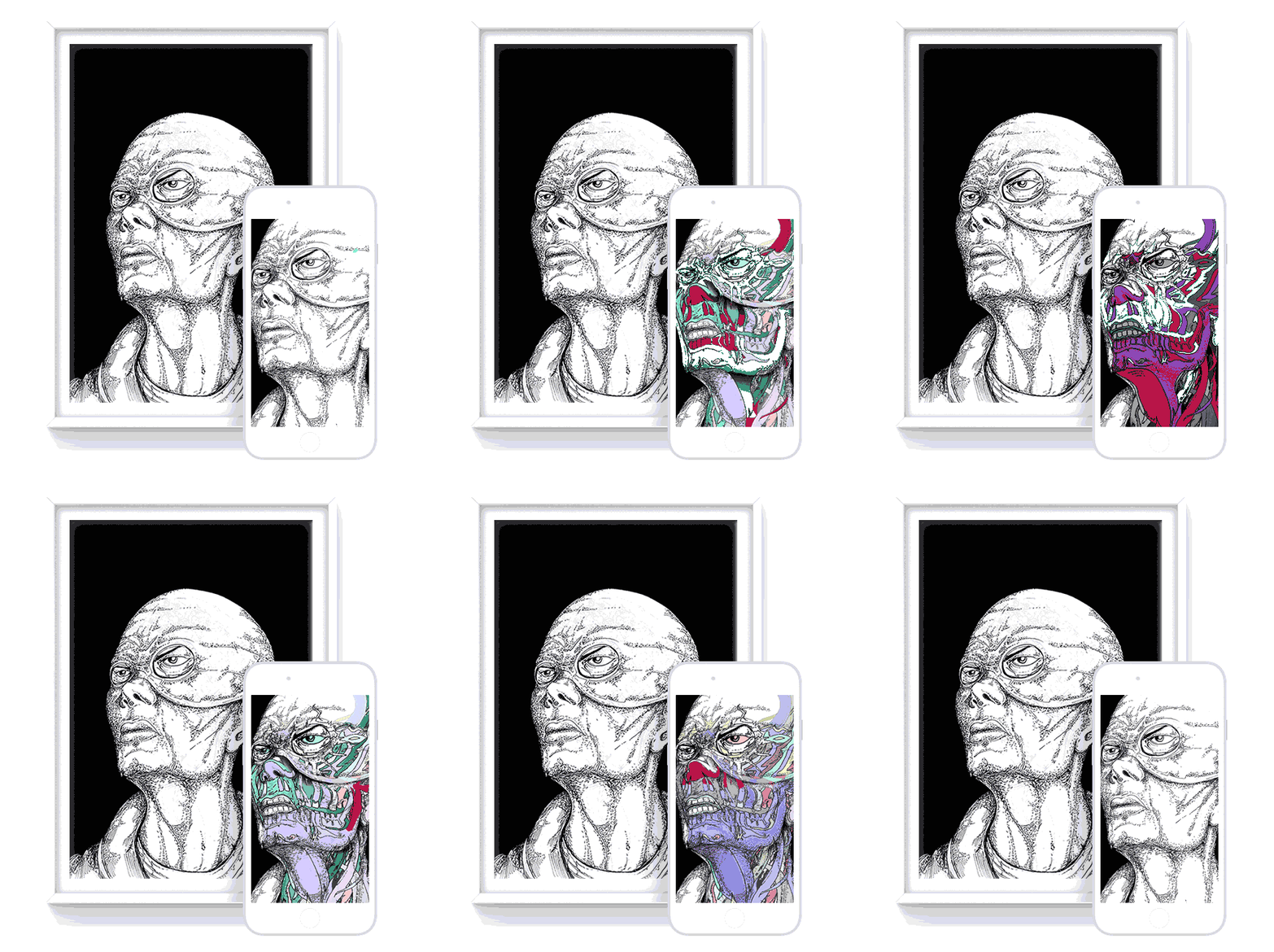
Preview your AR art
Watch your augmented artwork come to life.
Try WebAR Demo
To view, open camera on smartphone and scan code.
Try WebAR Demo
Panels
Every place has a story and you can tell it with EyeJack Panels
Humpback Whale Watching
Panels is the easiest way to create and display AR content in the real world. Using a combination of still and animated panels arranged in 3D, it’s a great way to share a story at any physical location.
Perfect as an AR solution for walks, trails and tours, across public facing sectors such as Education, Tourism, Heritage, Councils, Events and Retail.
Make your own
No 3D skills required! Simply add images and videos to your scene and preview on your phone in seconds.
Unlimited Free Artworks!
Take advantage of generous tiered features when you need them.
FREE
 Publish Artworks
- Publish Collections
- Publish Panels
100 Free Views per month
(Once Views run out, artworks are disabled until next monthly period.)
Up to 30 seconds per Artwork
Up to 3 MB per Panels Project
FREE
ARTIST
- Publish Artworks
- Publish Collections
- Publish Panels
10,000 Free Views per month
($0.01 per View after 10,000)
Up to 60 seconds per Artwork
Up to 20 MB per Panels Project
VIRTUOSO
- Publish Artworks
- Publish Collections
- Publish Panels
100,000 Free Views per month
($0.01 per View after 100,000)
Up to 120 seconds per Artwork
Up to 50 MB per Panels Project
*One view is counted every time someone plays your AR animation.
Join our mailing list
Stay up to date with new features, improvements and community news.
Articles
Guides, stories and updates on making augmented reality art — WebAR how-tos, artist features and practical tips.
FAQs
1) Upload your art.
2) Upload your animation.
3) Test your new AR art.